
Mood Messenger - SMS & MMS2.3d - AppGallery
You'll be able to see results in few seconds.
Publisher Description


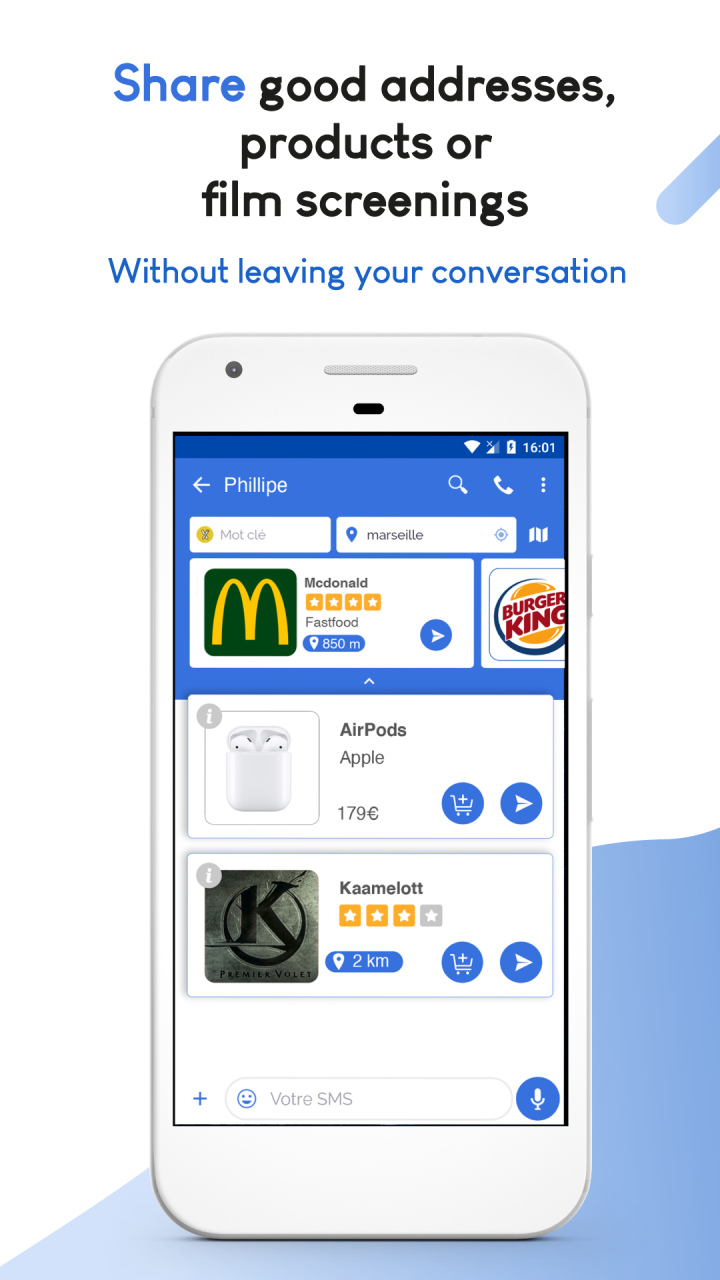

The best rated alternative to your default Android SMS & MMS App
Simple, smooth and effective
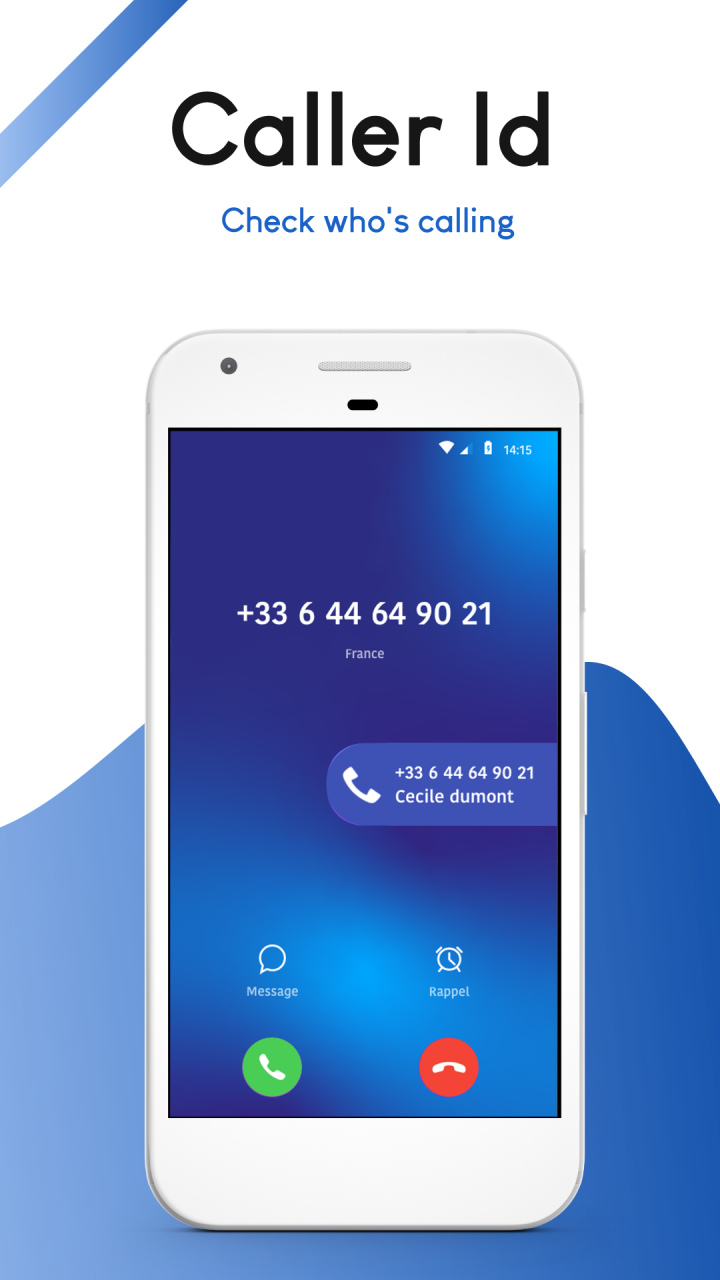
You can customize almost everything and you have access to awesome features like the typing indicator and real timer caller id.
If you are frustrated by the default Android texting app you must try Mood Messenger
Fully Customizable (per contact if you want):
- Bubble shapes & colors
- Backgrounds & over 100 themes
- Fonts & text size
- Notifications (LED, sounds, vibration, format)
- Animated Emojis - iOS, Android or Emoji One style emojis
- Choose over 100 free themes
- Dark mode
Awesome features :
- Typing indicator to see when your contact is writing
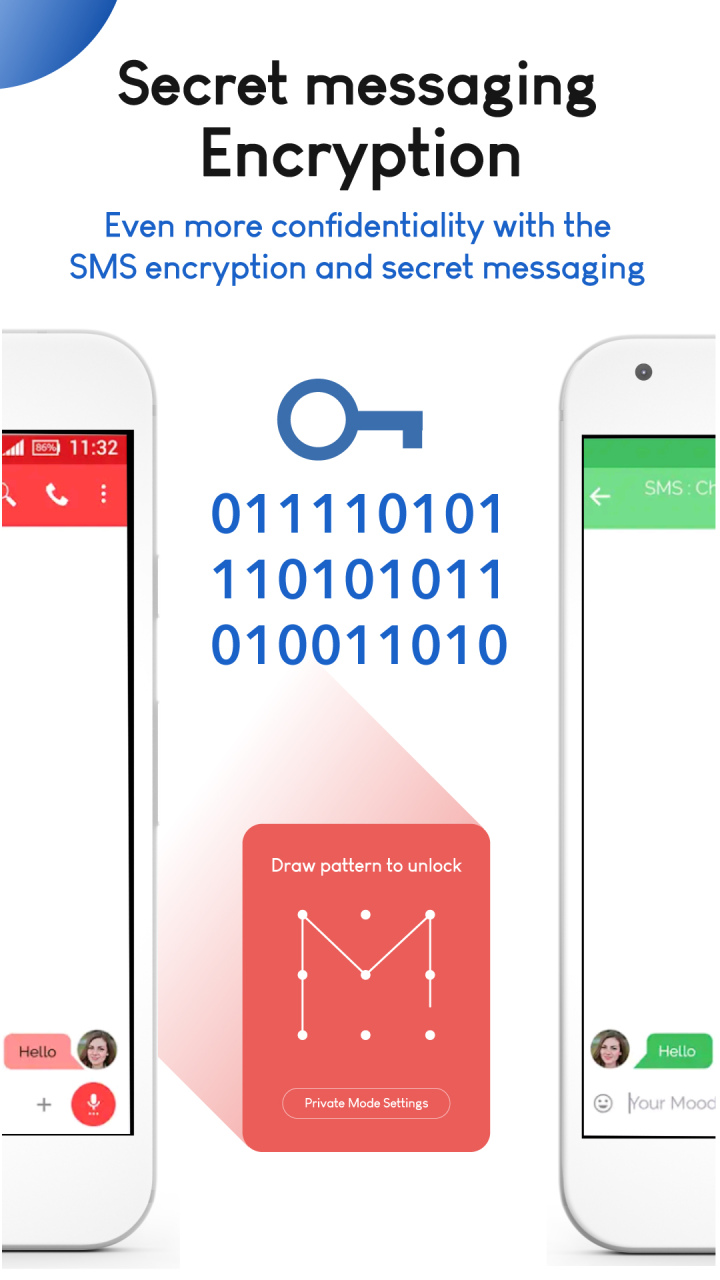
- Chat Encryption between Mood Premium users
- Group conversations
- Real time Caller ID - no more number guessing!
- Easy & Fast messaging from the After Call Screen
- Private conversation to hide messages and protect them with a password
- Spam blocking to blacklist annoying messages
- Animated GIF library
- Dual SIM
- Easy location sharing
- Schedule your messages
- Delay sending to avoid mistakes
- Pin important conversations at the top of the list
So if you want a crash free, user friendly SMS & MMS texting app with dozens of awesome features, look no further and give Mood a try.
Mood messenger is compatible with most brands of phones like Samsung, Huawei, Wiko, Sony and HTC.
A question ? An observation ? Or simply willing to say hi ? Contact us : • On the website : http://www.moodmessenger.com • By mail : support@moodmessenger.com • On Facebook : https://www.facebook.com/moodmessenger • On Twitter : @MoodMessenger
About Mood Messenger - SMS & MMS
The company that develops Mood Messenger - SMS & MMS is Madseven. The latest version released by its developer is 2.3d.
To install Mood Messenger - SMS & MMS on your Huawei device, just click the green Continue To App button above to start the installation process. The app is listed on our website since 2022-02-28 and was downloaded 0 times. We have already checked if the download link is safe, however for your own protection we recommend that you scan the downloaded app with your antivirus. Your antivirus may detect the Mood Messenger - SMS & MMS as malware if the download link to C102284051 is broken.
How to install Mood Messenger - SMS & MMS on your Huawei device:
- Click on the Continue To App button on our website. This will redirect you to Huawei Store.
- Once the Mood Messenger - SMS & MMS is shown in the Huawei Store listing of your Huawei device, you can start its download and installation. Tap on the Install button located below the search bar and to the right of the app icon.
- A pop-up window with the permissions required by Mood Messenger - SMS & MMS will be shown. Click on Accept to continue the process.
- Mood Messenger - SMS & MMS will be downloaded onto your device, displaying a progress. Once the download completes, the installation will start and you'll get a notification after the installation is finished.
Program Details
System requirements
Download information
Pricing
Version History
version 2.3d
posted on 2022-02-28
Disclaimer
Official AppGallery Link
We do not host Mood Messenger - SMS & MMS on our servers. We did not scan it for viruses, adware, spyware or other type of malware. This app is hosted by Huawei and passed their terms and conditions to be listed there. We recommend caution when installing it.
The AppGallery link for Mood Messenger - SMS & MMS is provided to you by apps112.com without any warranties, representations or guarantees of any kind, so access it at your own risk.
If you have questions regarding this particular app contact the publisher directly. For questions about the functionalities of apps112.com contact us.
